01
Your fields, on the map
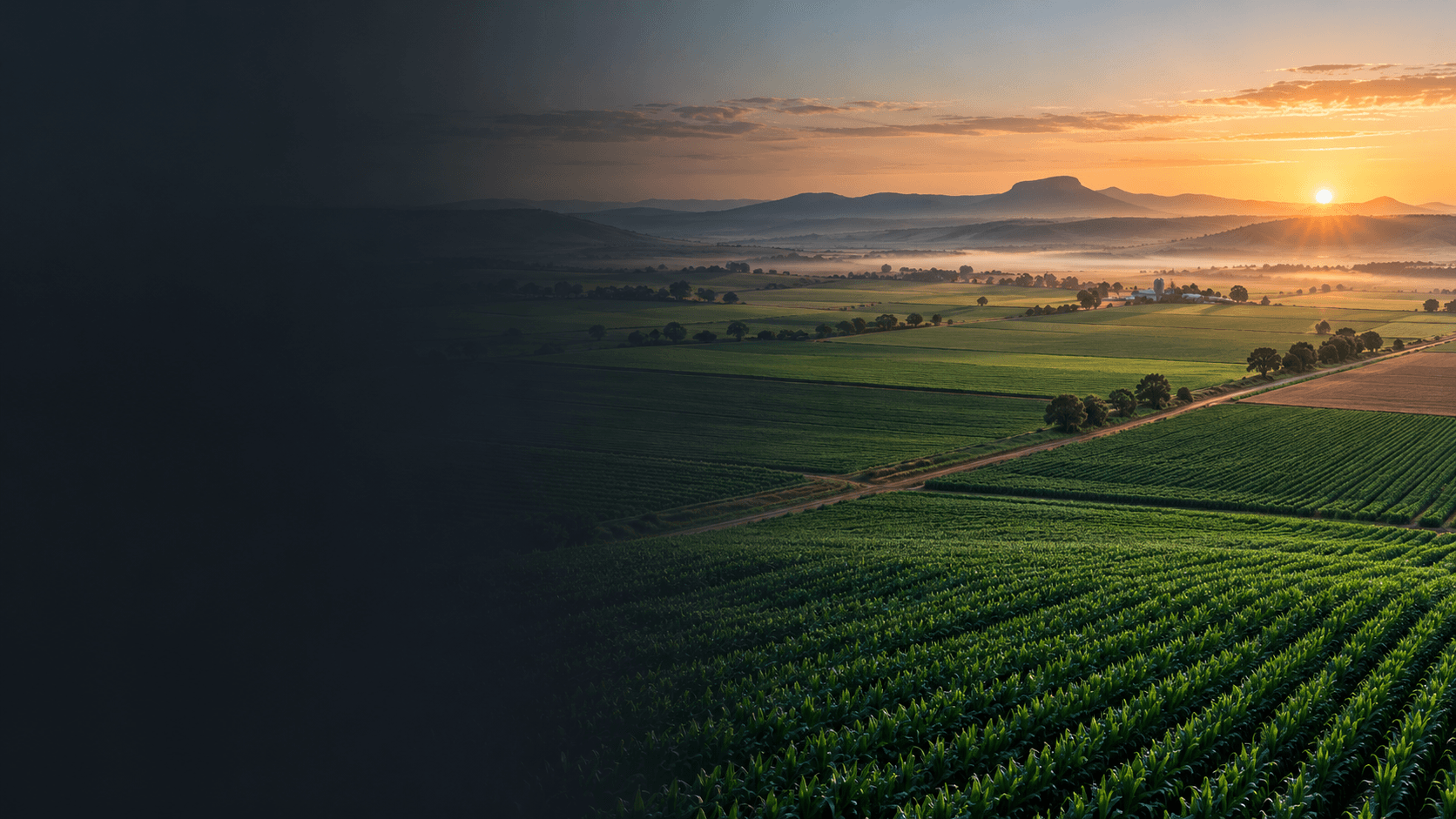
Review field boundaries, crops, seasons and field details from a single farm map. Open a field to inspect its information and carry the same field context into planning.
Field intelligence for the whole operation
From field boundaries and seasonal plans to shed stock, harvest records and business reports, CropNex brings the moving parts of your farm into one connected workspace.
Farmer accounts open after email confirmation. Buyers, transporters, advisers and agents require administrator approval.
CropNex map view
One workspace for the farm operation
CropNex connects land, seasonal work, stock, harvest and business records around the farms and fields you manage.
01
Review field boundaries, crops, seasons and field details from a single farm map. Open a field to inspect its information and carry the same field context into planning.
02
Build seasonal programmes around crops and fields. Keep planned activities and their products or operations together so the team can see what work is coming up.
03
Record stock by shed, track movements and stock checks, and use product records alongside field activities. Get a clearer picture of what is available and where it is stored.
04
Keep harvest records, field tonnages and transport loads connected to the season. Review deliveries and field progress as harvest moves along.
05
Bring budgets, income, costs, commitments and field performance reports into the same farm workspace. Use the records you capture to support better seasonal decisions.
06
Bring scouting, weather, rainfall, equipment, fuel and job records into one place. CropNex also includes an AI Assistant and document scanner to help explore farm information and identify details such as dates and net tonnes on transport notes. Always review AI results before using them.
Inside CropNex
Explore the main workflows—from seeing the farm on a map to planning field work and checking shed records.
CropNex workspace
Farm map
2026/2027 season
Synced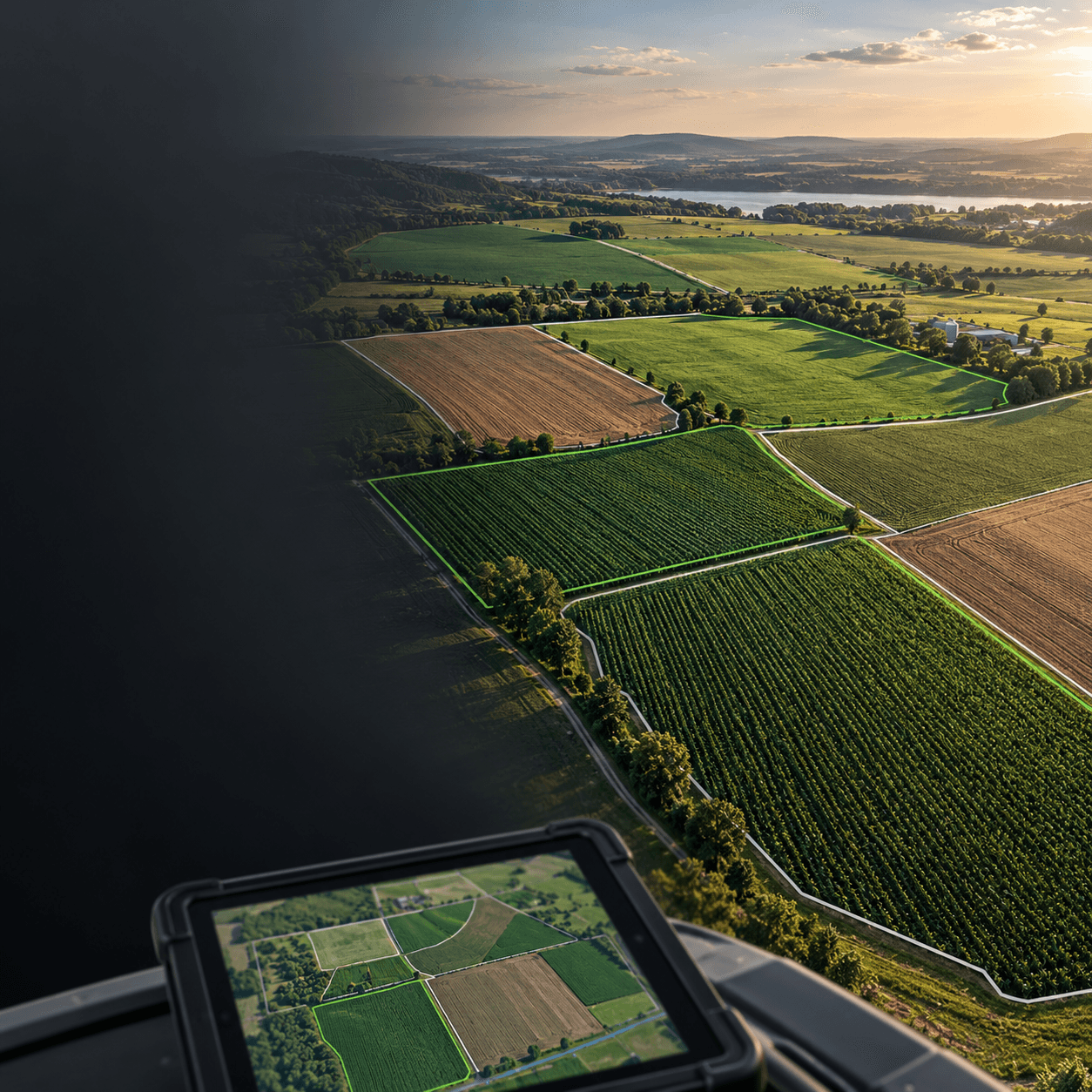
01 · Farm map and fields
Review mapped boundaries and field details, then use each field as the reference point for crop, season and work records. A clear field view helps bring planning and day-to-day activity together.
Request account access02 · Seasonal planning
Build a programme by season and field. Keep activities, products and operations visible, then record completed work so planned and actual farm activity can be reviewed together.
CropNex keeps the season programme close to the field context.
CropNex workspace
Season programme
Field activities
SyncedSeason plan
Plan field work, then record what was completed.
CropNex workspace
Sheds & inventory
Stock overview
SyncedFarm resources
Woranga Agri Shed
Stock location
Seed & crop inputs
Track products by location
Movements
Review receipts and usage
Stock checks
Reconcile recorded quantities
03 · Sheds and inventory
Organise products by shed, review stock movements and record usage alongside farm activities. CropNex helps connect what is held in inventory with the work planned for the fields.
See inventory locations, receipts and usage in one workflow.
These are illustrative CropNex screen previews with sample content, not live farm data.
From field to season close
Harvest, transport, weather and business records can be reviewed alongside the season’s field activity. CropNex gives your farm a shared place to capture the work and follow the results.
Harvest & transport
Record tonnes, loads and field progress.
Business & reports
Bring budgets, transactions and field performance together for review.
Farm operations
Keep scouting, jobs, equipment and rainfall records close at hand.
Join CropNex
Register with your name, contact number, email and company or farm business name. VAT details are optional. Farmer accounts open after email confirmation; other account types are reviewed by CropNex.
Choose Farmer and enter your name, contact number, email and company. VAT details are optional.
Open the confirmation link sent to your inbox.
Confirmed farmer accounts open without administrator approval.
Buyers, transporters, advisers and agents are approved by CropNex before receiving their role access.
Choose your account type and create your CropNex profile.
About CropNex
CropNex is a farm-management workspace for the people, land and decisions behind each season. It brings everyday operational records into a clear, connected view for the farm team.
CropNex
Create your farmer profile, confirm your email and start using CropNex. Other account types require approval.